
Overview
This page introduces components to new users unfamiliar with the LabMaestro Experiment Builder.
After reading this page, you should:
-
Understand what components are
-
Understand what component types are available
-
Understand how components are processed in Timeline and Epochs
Prerequisites
-
LabMaestro is installed and activated
Components
Components are at the core of the experiment design hierarchy and serve as building blocks to form experiment frameworks. Components aim to control stimulus presentation, flow and logic, and be as flexible as possible to accommodate a variety of vision science experiments. Components can be combined to create more complex stimuli and operated on during an experiment to modify how stimuli are rendered or how they act.
These components can be found in the Component Library UI panel and added to Timelines. Once added to a timeline, you can define their properties from the Property UI panel to control their behaviour during the experiment.
Components are grouped in three categories:
Regions
Regions are components that define the area and shape of visual stimuli appearing on a stimulus display. You can specify various shapes, sizes, and locations for all Regions, and fill them with anything from a fixed Uniform Pattern colour to a complex combination of dynamic Patterns. LabMaestro directly supports common shapes.
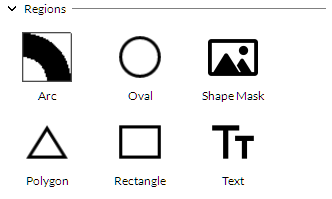
For a list of Region components and their properties, please refer to this page.
Patterns
Patterns are the visual contents that fill Regions.
While some regions displayed to a test subject will be filled with solid, fixed colours, others will be filled with one or more complex stimulus patterns, such as gratings, checkerboards, or drifting dots. Any number of patterns can be combined additively or multiplicatively within a single region (see Combine Modes). Patterns are always tied to a single region. Therefore, a region must be created and selected before a pattern can be assigned.
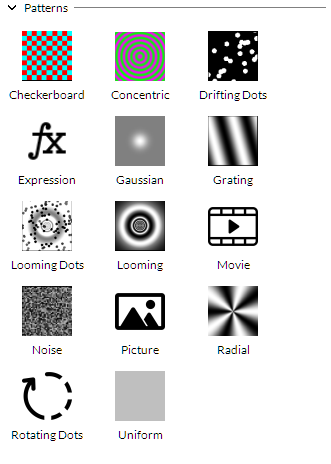
For a list of Pattern components and their properties, please refer to this page.
Commands
Commands provide extended functionality beyond Regions and Patterns.
Often, you will want to do more than present a fixed set of regions and patterns during a stimulus animation. For this purpose, LabMaestro projects can also include commands that allow you to play a sound, show or hide regions at a specific point in an epoch, or wait for a specific input.
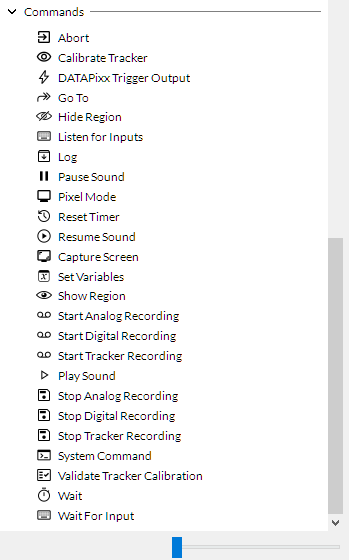
For a list of Command components and their properties, please refer to this page.